

3.1 Resampling
Resampling means turning sounds, effects, or musical ideas into a new audio file. Once the sound is captured as audio, you can cut it, reverse it, fade it, move it, stretch it, and reuse it in new ways. Producers often use resampling to create transitions, atmosphere, and sound effects that help sections of a song flow together.
Terms
Transition: A sound that helps move from one section of a song to another.
Down Lifter: A falling sound that helps mark the start of a section.
Atmosphere: Background sound or texture that creates space and emotion.
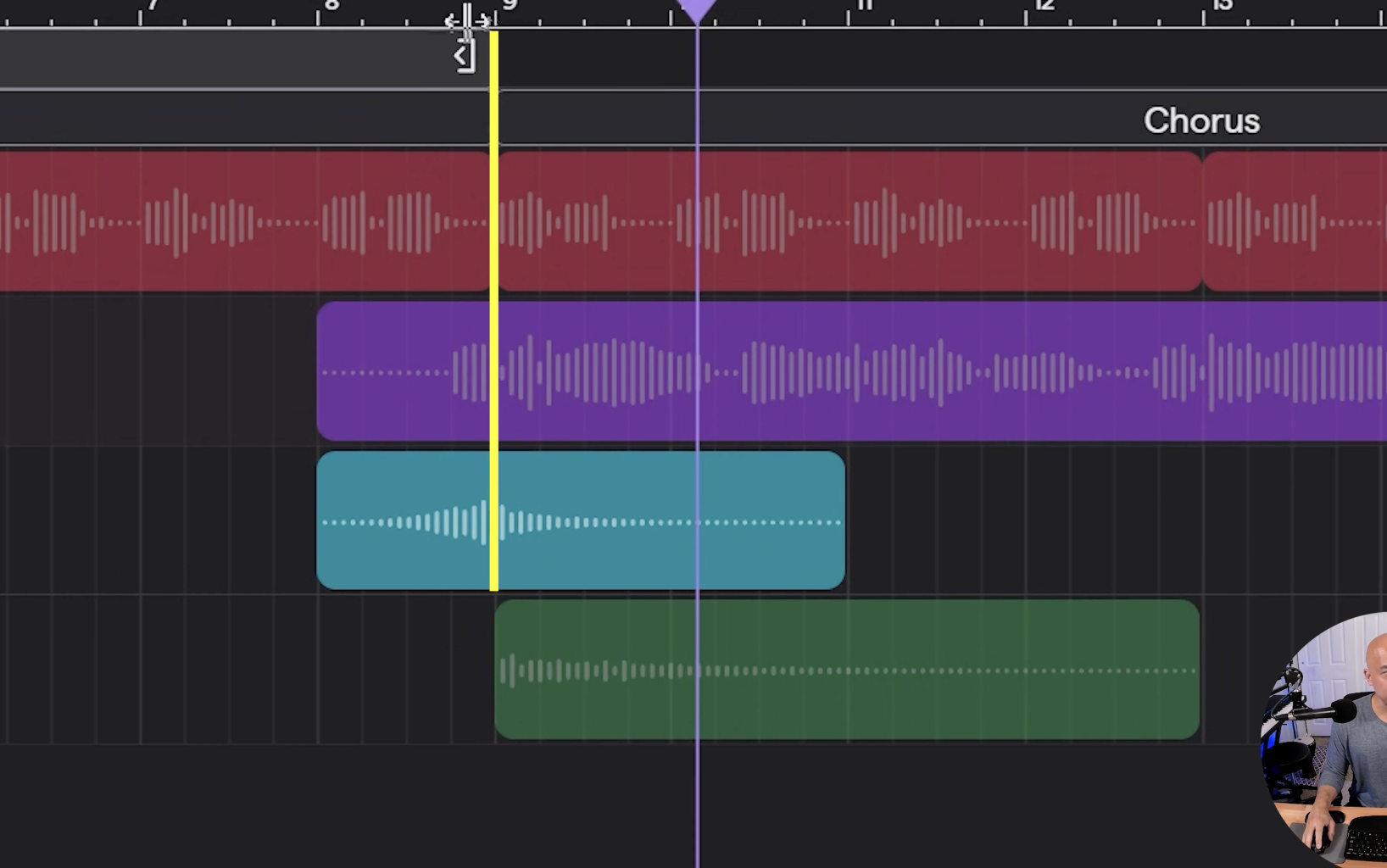
1 | Listen For Transitions
Listen to the arrangement without transitions, then compare it to a version with transition sounds added. Notice how risers, down lifters, and reverse reverb help connect sections and make the track feel more complete.
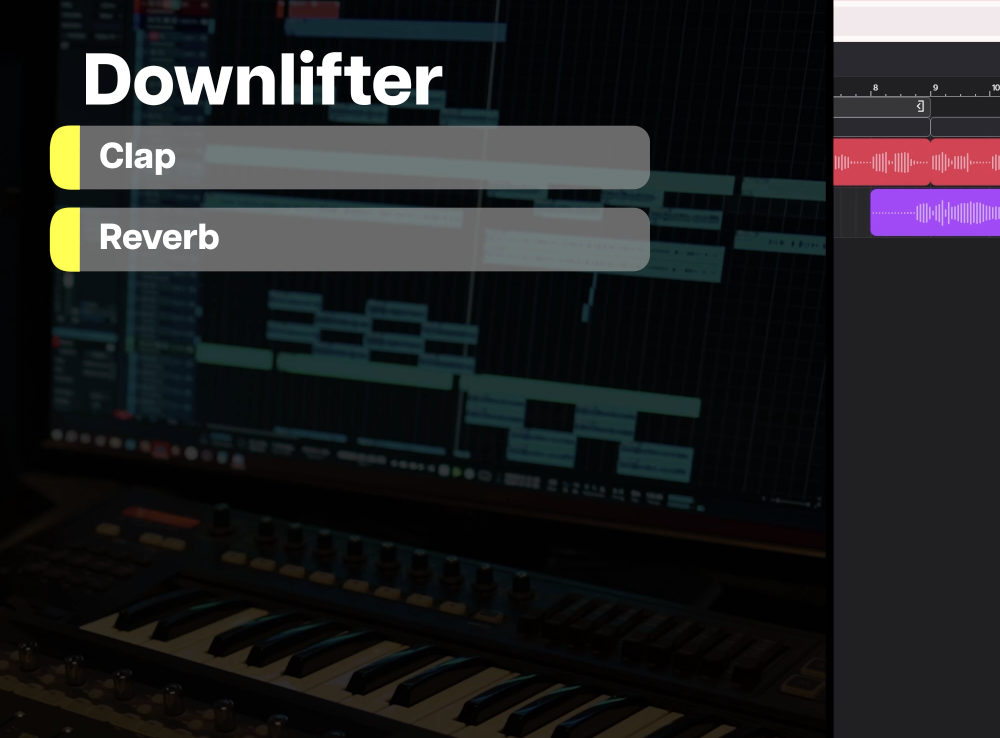
2 | Create A Down Lifter
Start with an impact sound like a clap and add a long reverb tail. Resample the sound so the clap and reverb become one audio file, then reverse and fade the audio to create a falling transition.
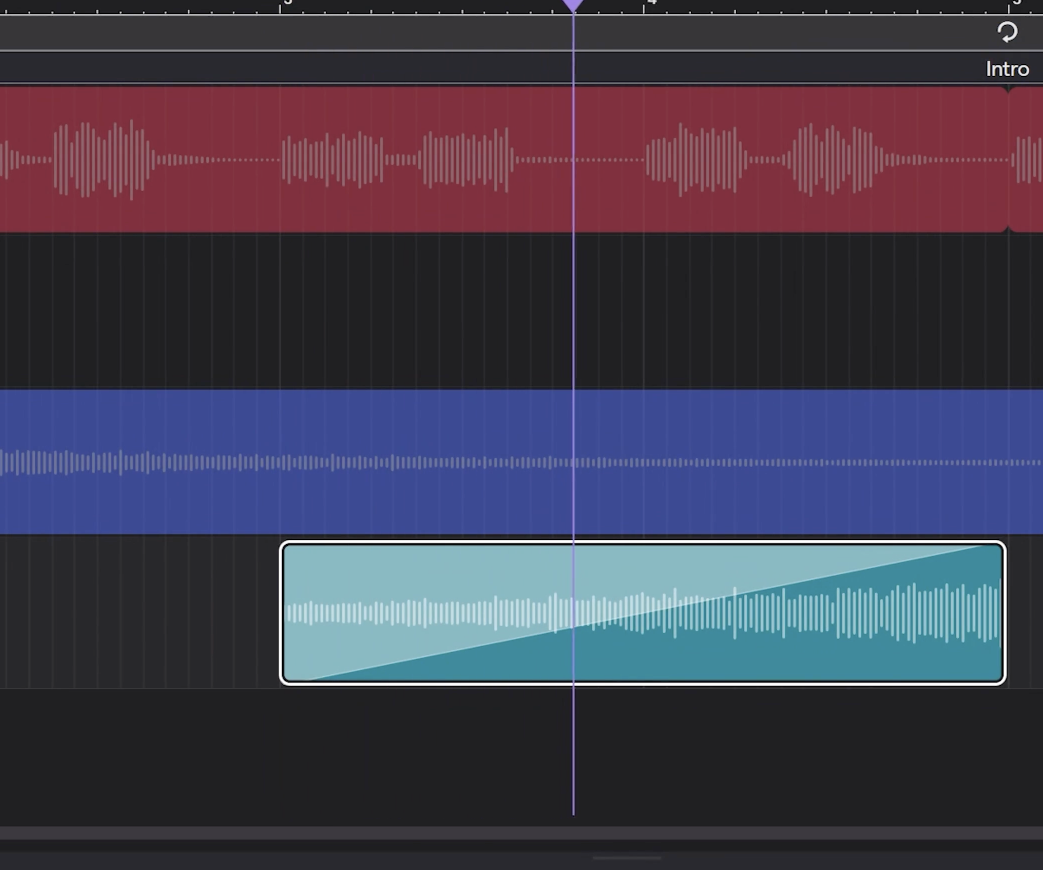
3 | Create a Riser
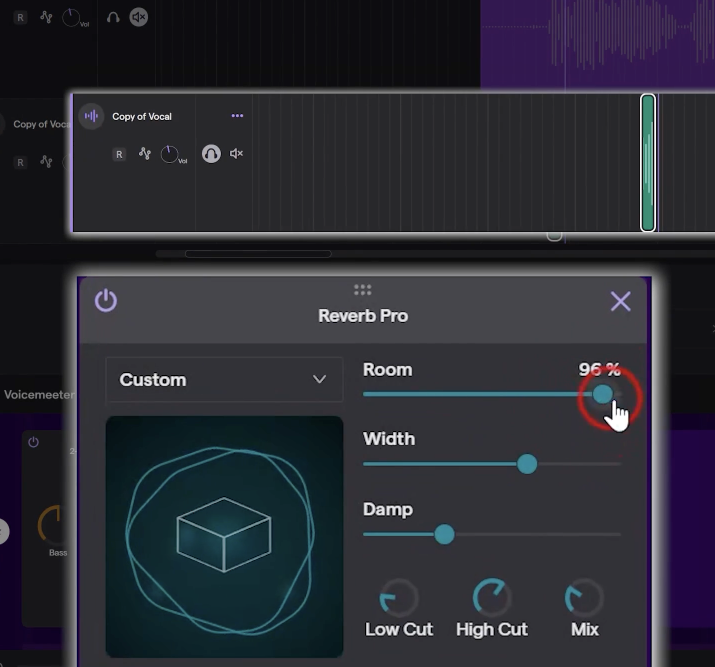
Use a crash cymbal and Reverb Pro to create a long, bright reverb tail. Resample the sound, reverse it, shorten it to two bars, and shape the fade so it builds into the next section.
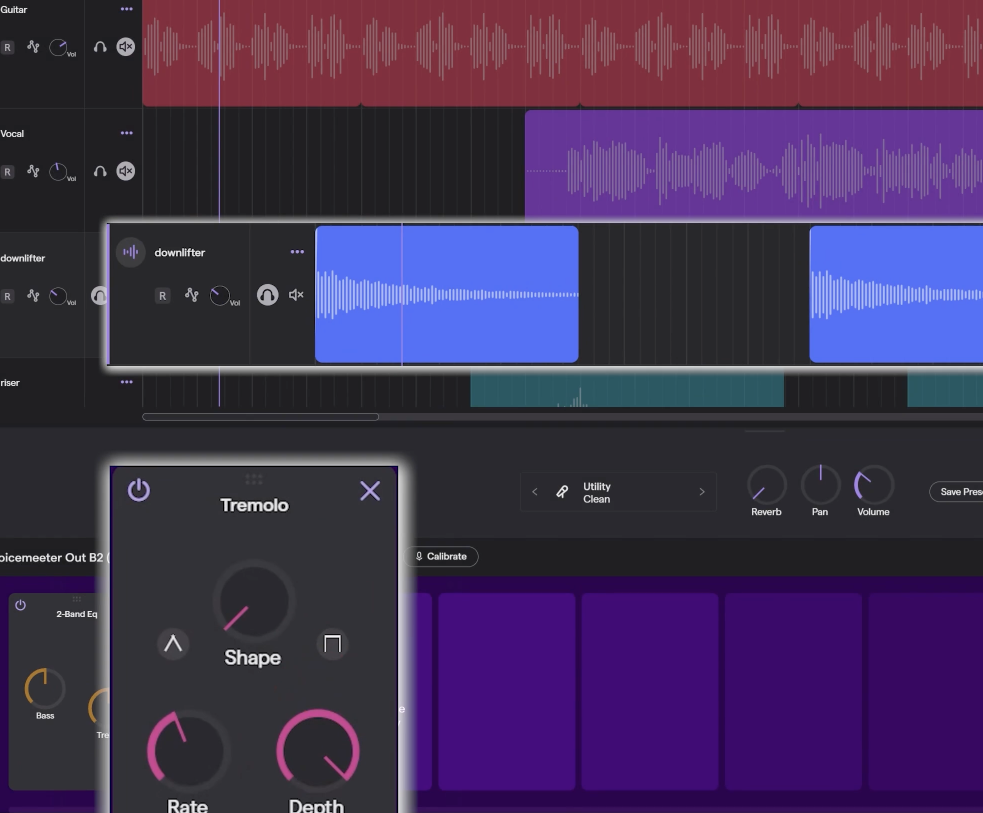
4 | Arrange Transitions
Place down lifters at the beginning of sections and risers before the sections they lead into. Adjust the volume so the transitions support the song, then add effects like tremolo for extra movement.
5 | Save Sounds To Library
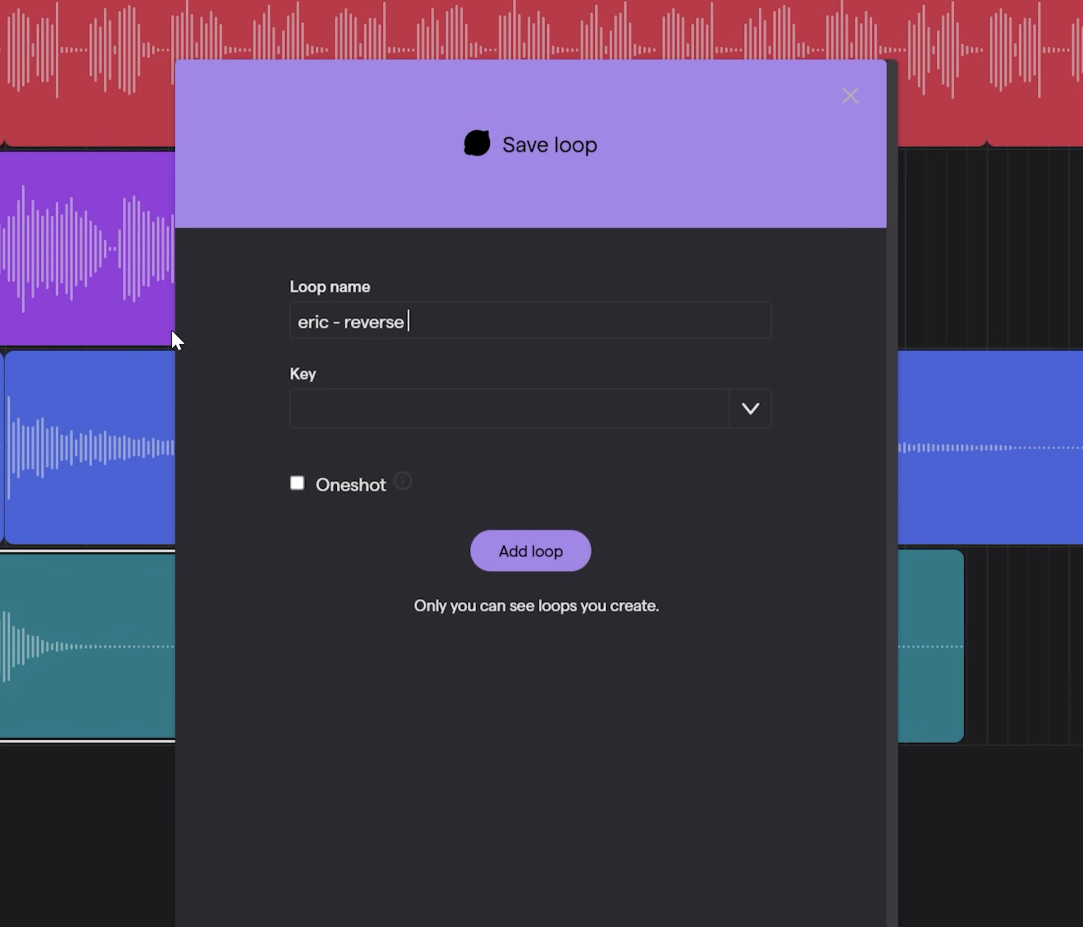
Split your resampled transition sounds into separate clips and save them to the loop library. Label them clearly as one-shots so you can reuse your custom down lifters and risers in future projects.
6 | Vocal Reverse Reverb
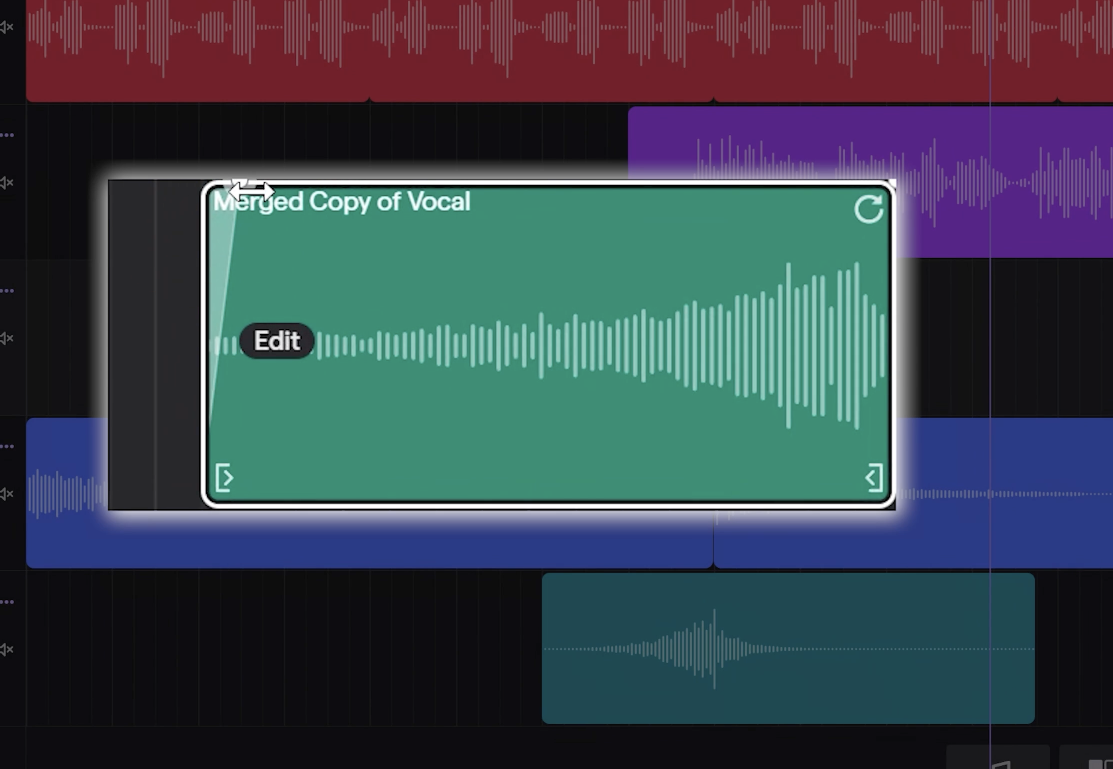
Duplicate the vocal track so the original stays untouched. Cut out a small syllable, reverse it, add a long reverb, and use resampling to turn the effect into audio.
7 | Line Up The Sound
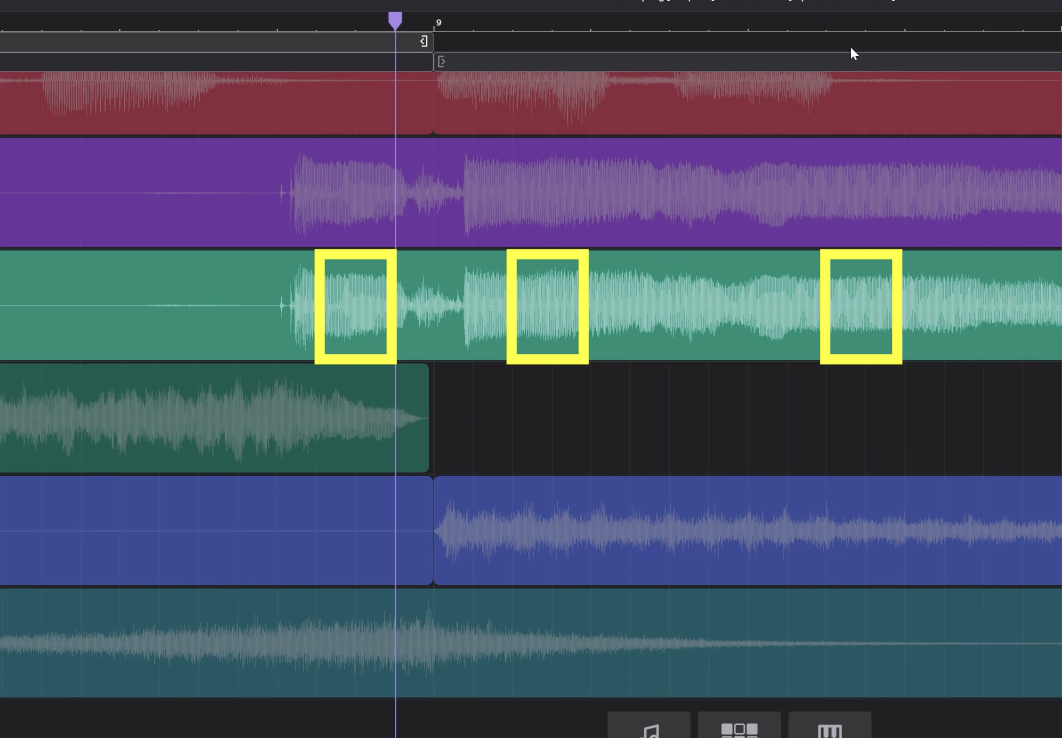
After resampling, trim away the extra audio and reverse the sound again. Line it up so the reverse reverb leads directly into the vocal, then adjust the volume so it feels smooth and natural.
8 | Choose Atmosphere Notes
Duplicate the vocal track and find short notes that can become atmospheric sounds. Cut out a few different pitches, keeping only the small pieces you want to transform with reverb.
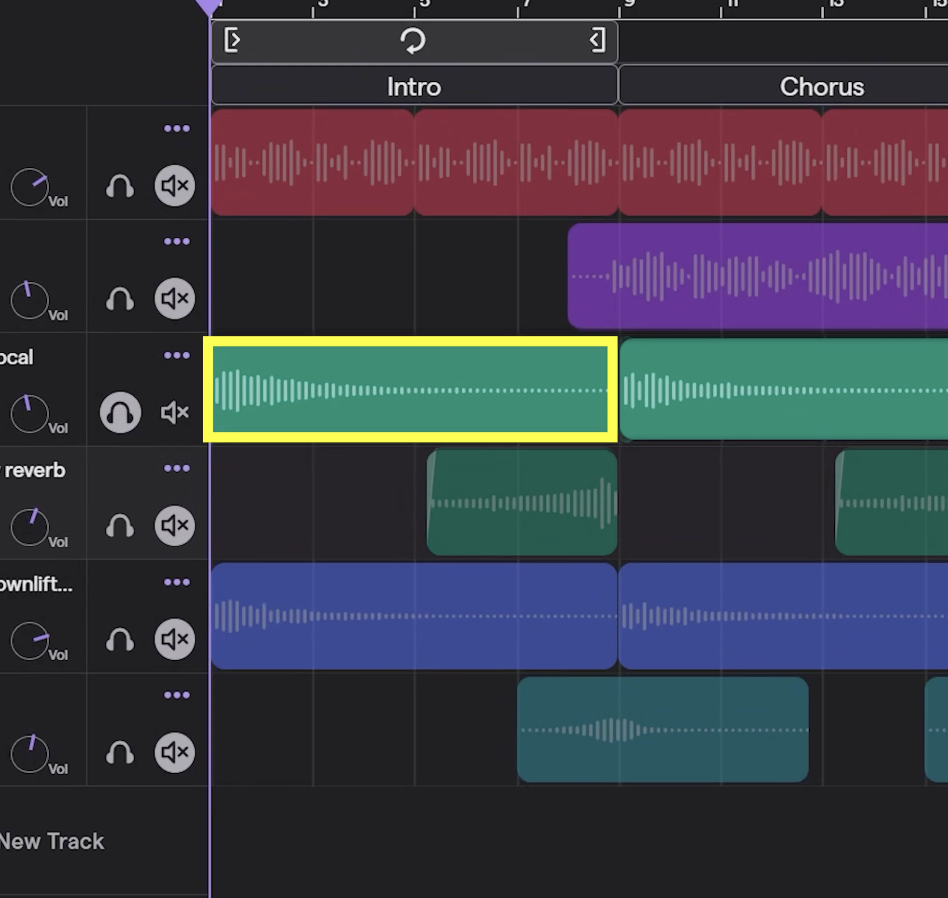
9 | Create Long Reverb Tails
Spread the vocal notes far apart before adding reverb so the tails do not overlap. Add a long reverb, resample the track, and create separate audio tails that can be arranged later.
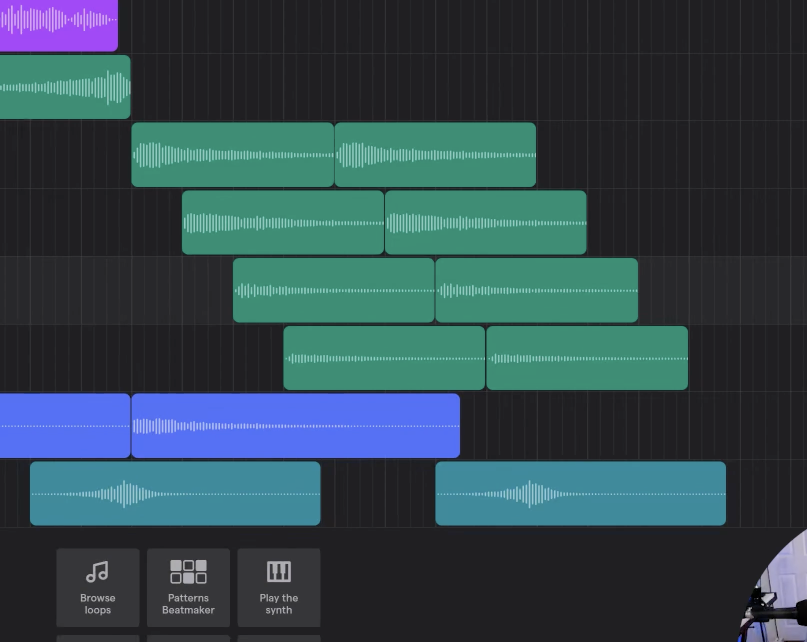
10 | Arrange The Atmosphere
Duplicate the resampled atmosphere track so each reverb tail has its own track. Place the sounds in the atmosphere section, overlap them carefully, and repeat the pattern to create a floating background texture.