4.1 COPYING A MELODY

A melody is a sequence of notes that are played or sung one at a time. There are two elements of melody: pitch and rhythm. Good melodies have a combination of notes that are on-the-beat and off-the-beat, repetition, notes of different lengths, and space between notes.
Terms
Rhythm: When notes play.
Pitch: How high or low notes play in a scale.
Complete the Pre-Production Reflection →
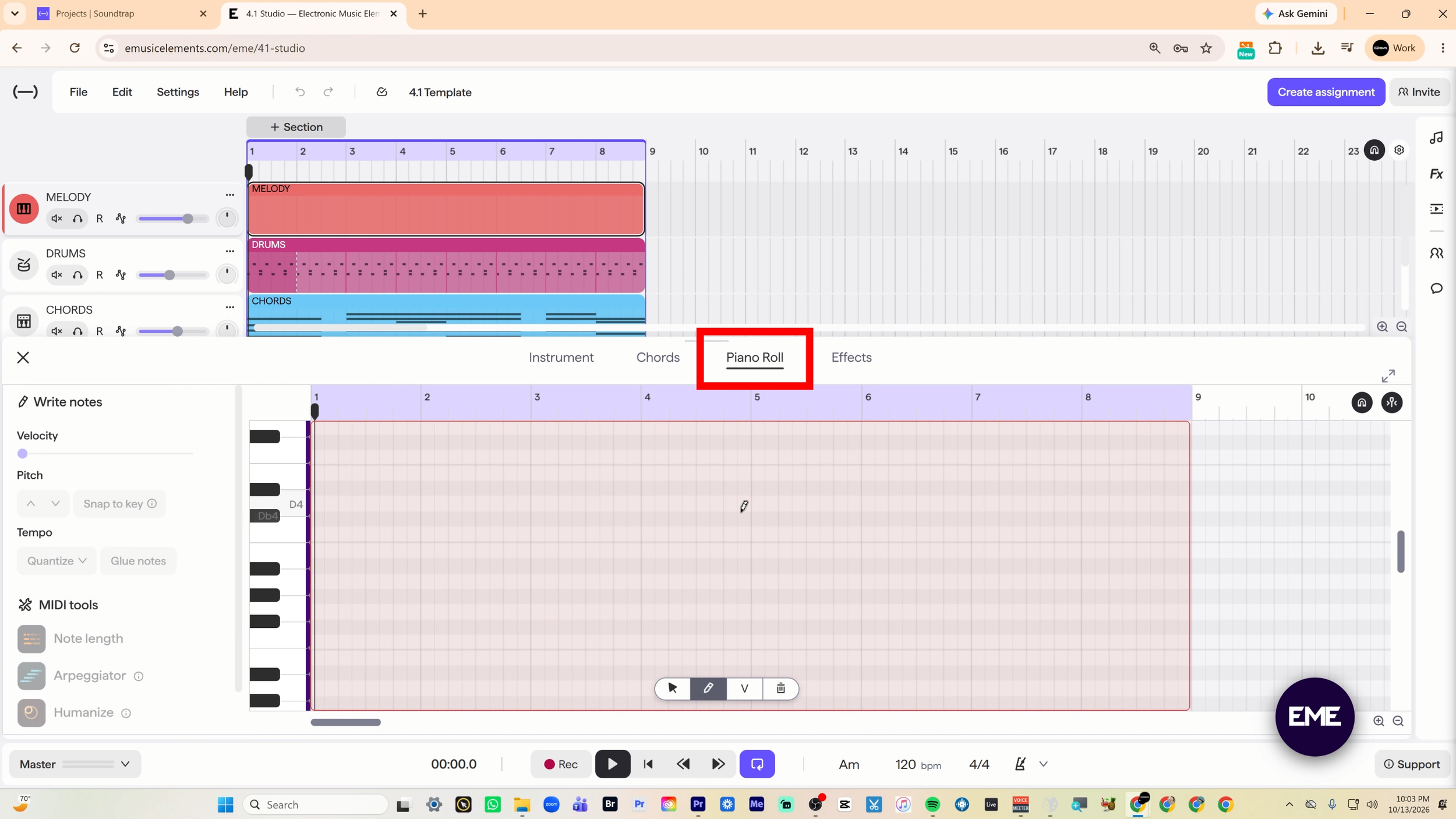
1 | Open The Piano Roll
Access the piano roll by selecting the melody track in the template and click on the piano roll text in the instrument panel.
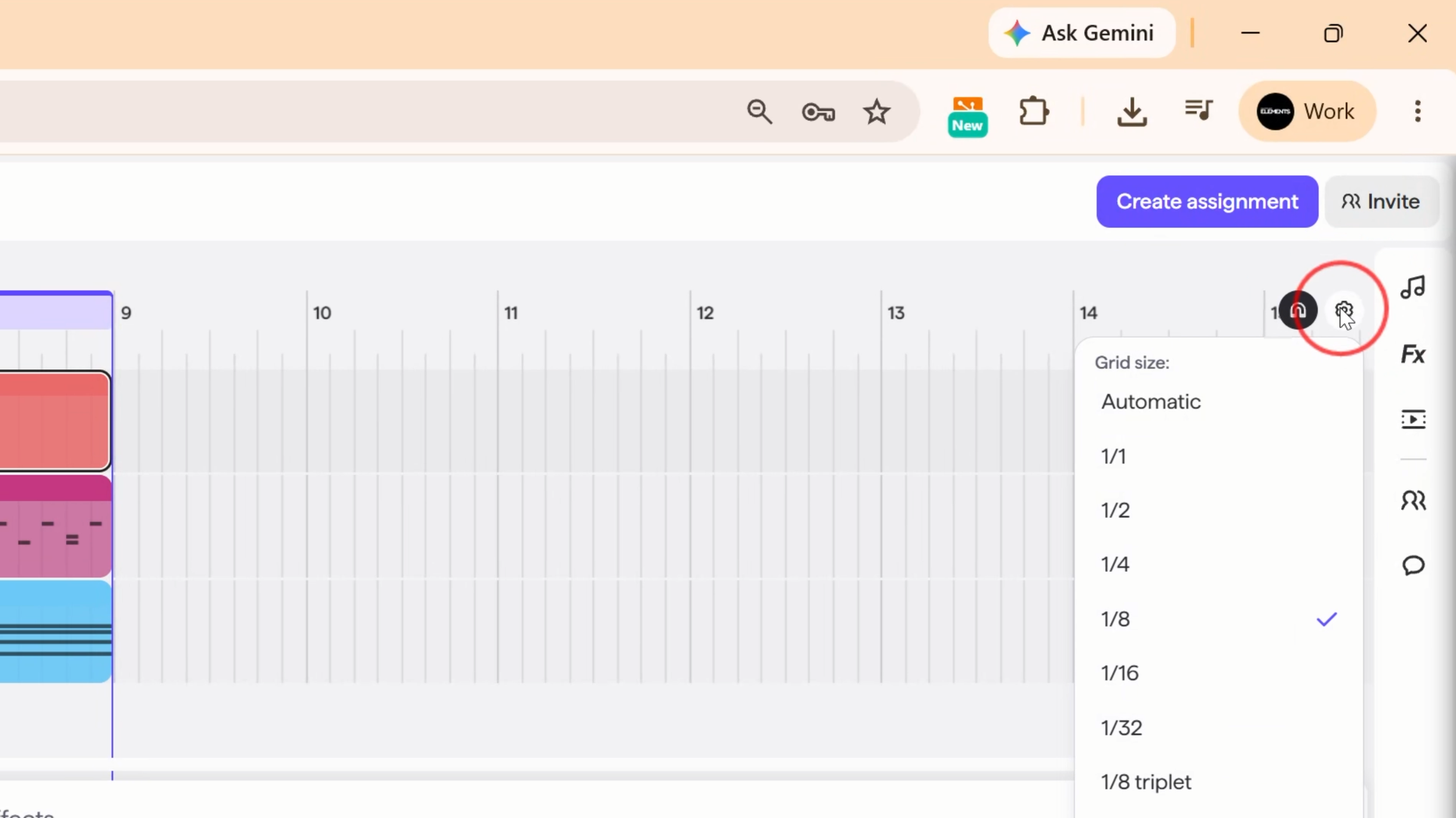
2 | Prepare The Grid
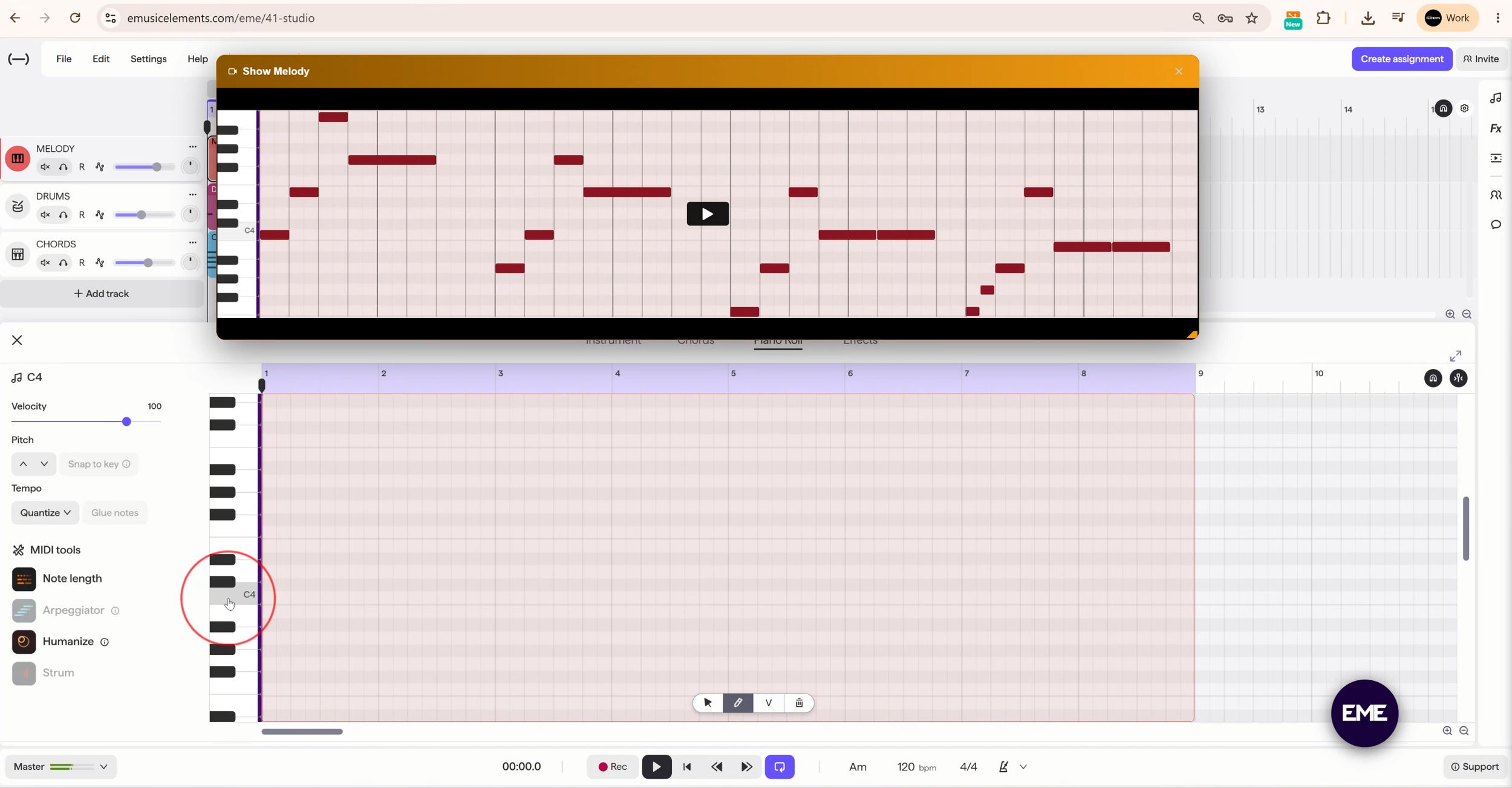
Click on the cog and choose 1/8th note as the grid size, zoom the piano roll to show all 8 bars, and change the range of the piano so that C4 is in the middle.
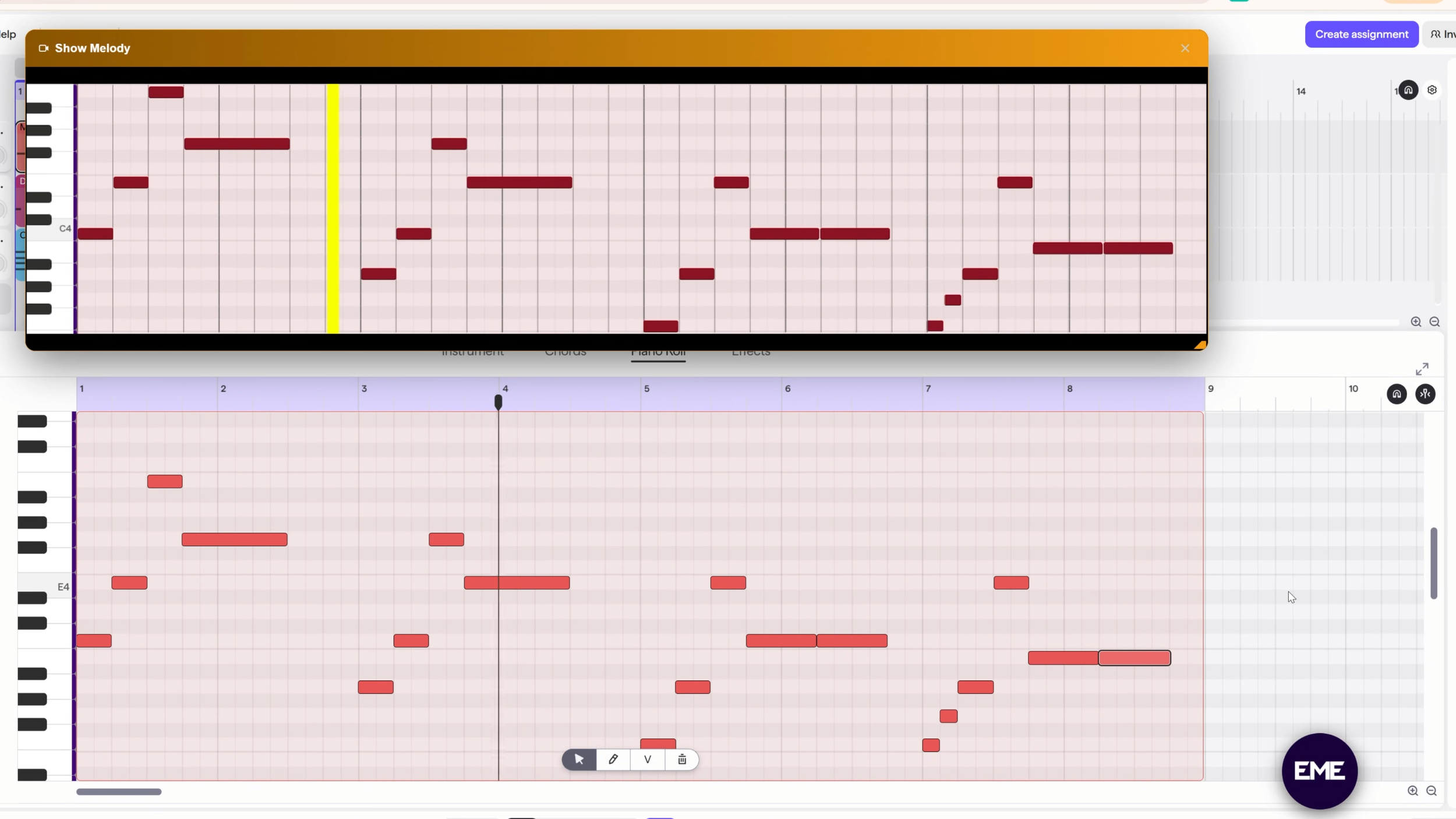
4 | Copy The Melody
Draw notes in the piano roll to match the original melody exactly. Pay attention to the note length and space between notes.
5 | Make It Your Own
Change some of the pitches and rhythms by listening to the melody on cycle mode and using your ear to find something that you like. Stick to the light colored lines to stay in key.
Complete the Post-Production Reflection →
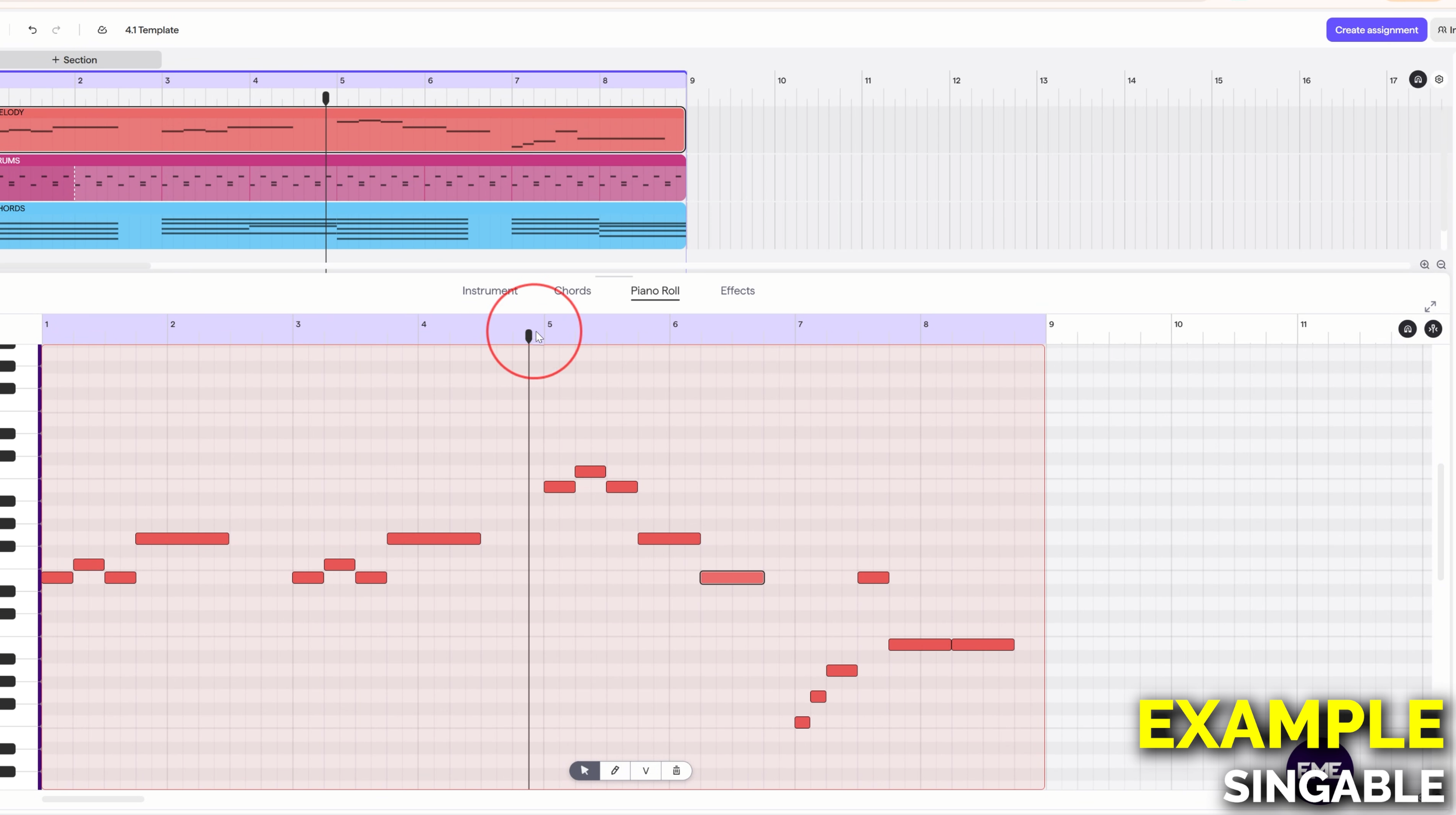
3| Prepare Original Melody
Open the original melody and resize the window to match the piano roll as closely as possible.